
Brief
Base Resources had purchased Microsoft365 Copilot licenses for their team, but staff were unsure how to operate Copilot and adoption was minimal.
Problem
Many organisations are adopting Microsoft365 Copilot for its data privacy and integration with Microsoft365 applications like Word, Teams and Outlook. However these initatives often lack support once licenses are purchased and staff members are left in the dark on how to actually use these tools.
This problem is exacerbated by the fact that Copilot is not a single entity but is actually a collection of different Copilots e.g. Copilot for Word, Copilot for Teams, Microsoft365 Copilot, with each of these Copilots having slightly different functionalities and strengths.
Solution
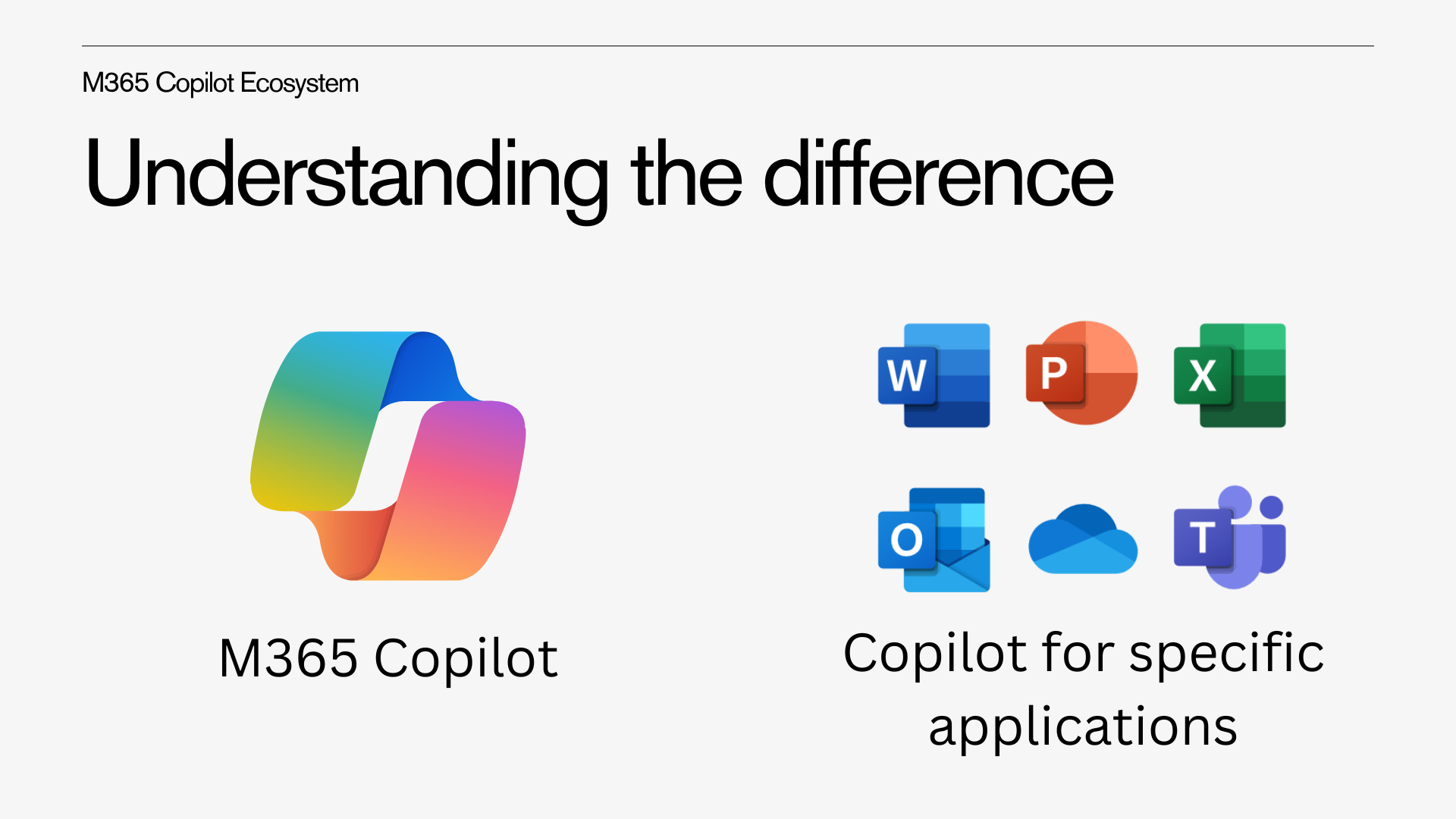 Figure 1: Understanding the Copilot ecosystem.
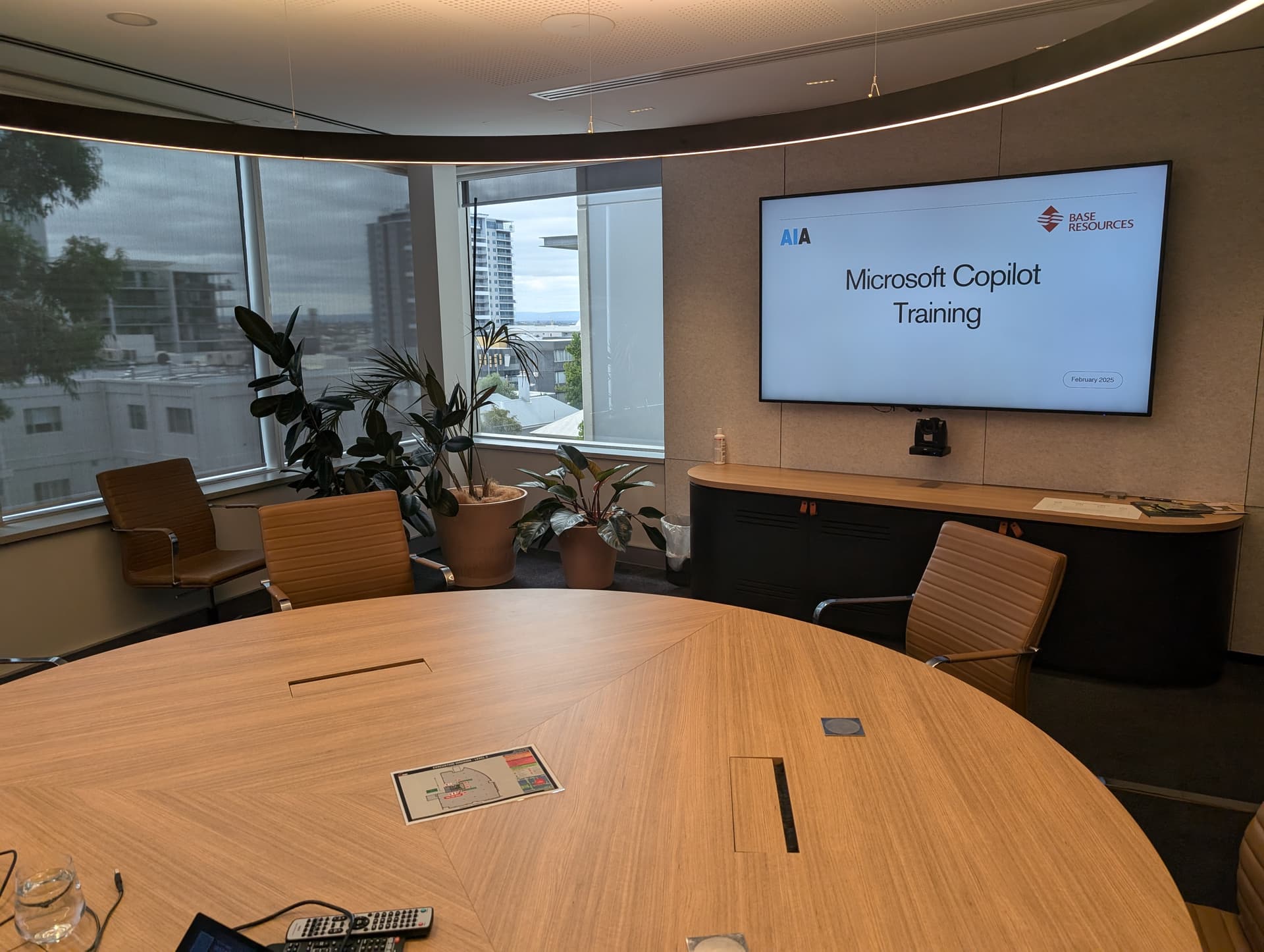
AI Advancements ran three 1-hour sessions with Base Resources to train their team on the fundamentals of using Copilot. We started off each session by explaining the Copilot ecosystem, demonstrating how their are different types of Copilots and teaching staff how to use common functionality shared by all Copilots.
We then did a deep dive into each of the specific Copilots, going through the full capabilty list for each type of Copilot, such as editing text with Word, generating slides with PowerPoint or automatically capturing meeting notes with Microsoft Teams.
The session ended with a quick overview of building custom agents with Copilot. Particpants were given hands on help to end the session by creating their own AI agent and integrating it with Teams, providing it with custom instructions and connecting it to SharePoint files.
Result
Particpants left the session with an understanding of the fundamentals for operating Microsoft Copilot and the different parts of the ecosystem. Staff were able to identify how to use Copilot in each of the Office applications, being able to bring in emails, files, meeting notes and more to help guide Copilot. The team also left with an idea of how to build their own agents and were able to build examples during the session as a starting point.